
Living here
Adjusting the site's display to your eyesight: text size, brightness and contrast
A Display button, available at the top of every page, lets you enlarge the text, turn on dark mode, increase contrast and choose an easier font.
Each person uses a website in their own way. Some enlarge the text. Others read late in the evening and find a white screen glaring. Others use a screen reader or navigate with the keyboard alone.
For this reason, we now offer a Display button at the top of every page.
Available features
- Larger text, up to double its size. The page adjusts and no content spills over.
- Light or dark mode. By default, the site follows your device's setting. If your phone is in dark mode and you prefer to view lapetitenation.ca on a white background, choose Light: this setting will apply on each of your visits.
- High contrast, for people with reduced vision.
- An easier font, designed for people with low vision, along with more space between lines and letters.
- Underlined links, so that you do not have to rely on colour.
- Stop animations, including the animated weather at the top of the page.
- Reading guide: a strip that follows the line you are reading.
- Large cursor, as well as a mode that hides images while keeping their description.
One button restores all of the original settings.
Settings kept on your device
Your settings are saved in your browser. No account is required, no cookie is used and no data is sent. They apply from one page to the next, including in Les Petites Annonces.
Improvements to the site's structure
The button is only the visible part of the work; most of it was done elsewhere. The entire site can be navigated with the keyboard alone. It is compatible with screen readers. It remains readable when the text is doubled, even on a small phone. Every colour was checked to provide sufficient contrast, in light mode as well as in dark mode. Buttons are large enough to be used easily by a person whose hand trembles slightly.
Areas for improvement
The map remains difficult to use with a finger, because its pins overlap. The same places are therefore also presented as a list. In addition, photos in the classifieds do not yet have proper descriptions. We are working on it.
If you encounter a difficulty, please let us know at info@lapetitenation.ca. The Accessibility page provides all the details.
Read next
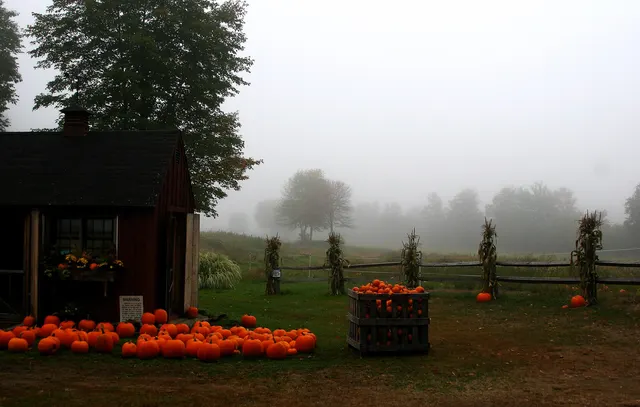
Halloween 2026 in Petite-Nation: all the events
In 2026, Halloween falls on a Saturday. A night trail at Parc Oméga, a haunted forest walk in Mayo, a vampire ball in Ripon and a candy handout in Chénéville: here is the full weekend, day by day.
Les Petites Annonces is open
A free, local classifieds service, protected against fake accounts from abroad.
Everything happening in La Petite Nation, brought together in one place
Weather, road conditions, collections, events and businesses: lapetitenation.ca quickly provides the answers you are looking for.